
Stake App: how the mobile experience works without a store download
People searching for a Stake mobile app usually expect an App Store or Google Play listing. There isn't one for the real-money platform. What exists is a mobile website built to be installed as a web app. This page explains how that works on iOS and Android, what the interface looks like and how account security carries over.
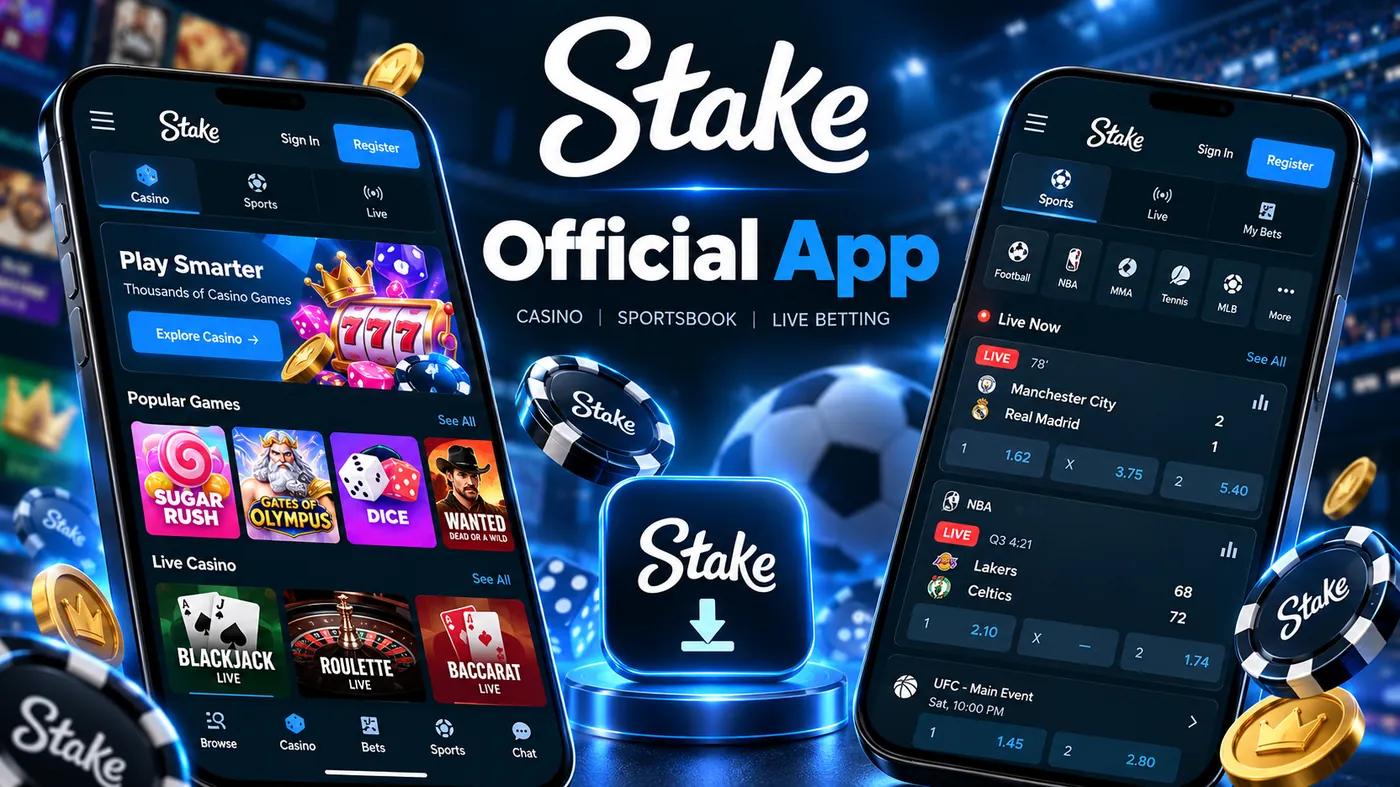
The mobile browser experience
Stake's site is responsive rather than a separate mobile build. The same application that runs on desktop reflows for a phone screen: the left sidebar collapses into a bottom tab bar, the casino grid drops to two or three columns, and the sportsbook bet slip becomes a pull-up drawer.
Because it is the same application, feature parity is complete. Originals load quickly on mobile data, live dealer streams adapt their bitrate, and the wallet, VIP section and live chat are all reachable from the tab bar. Performance depends more on the device and connection than on the platform itself.
Safari on iOS and Chrome on Android are the browsers the interface is tested against most heavily. Other Chromium-based browsers behave the same as Chrome.
Installing the site as a web app
A progressive web app is a website with a manifest and service worker that the operating system agrees to treat like an app. Stake supports this, so the "app" is one tap away in either browser.
iOS: Add to Home Screen
Open the site in Safari
Other iOS browsers can browse normally but only Safari can add a web app to the home screen.
Tap Share, then Add to Home Screen
The Share icon is the square with an upward arrow. Scroll the sheet until Add to Home Screen appears.
Confirm the name and tap Add
An icon appears on the home screen. Launching it opens the site full-screen without the Safari toolbar.
Android: Install app
Open the site in Chrome
Samsung Internet, Edge and Brave also support installation through a similar menu entry.
Open the menu and choose Install app
On some versions this reads Add to Home screen. Chrome may also show an install banner at the bottom of the page.
Confirm the install
The app appears in the app drawer and on the home screen and runs in its own window.
What the mobile interface looks like
Casino tab
Search, category chips (Originals, Slots, Live, Game Shows) and a two-column grid. Games open full-screen with a slim wallet bar at the top.
Sports tab
Live events first, then a sport picker. Tapping an odd adds it to a slip that slides up from the bottom and keeps a running count.
Wallet
Deposit addresses with QR codes, withdrawals, transaction history and the currency switcher sit behind the balance in the top bar.
VIP and chat
Rakeback, boosts and level progress live in the VIP tab. Live support and the community chat open as overlays and remember their position.
Account security on a phone
Everything described on the login page applies on mobile: two-factor authentication through an authenticator app, session management and withdrawal confirmations. A phone adds two considerations of its own.
First, the authenticator usually lives on the same device as the web app. That is convenient but means a lost or stolen phone compromises both factors unless the phone itself is locked with a strong passcode or biometrics. Keep the 2FA backup key somewhere else.
Second, installing from anything other than the operator's own domain is the main mobile-specific risk. Fake "Stake app" APKs and copycat store listings exist. The web app install described above never involves downloading a file.
No official store app. If you see an iOS or Android store listing for the Stake casino, it is not from the operator. Stake's own help centre describes the home-screen install as the supported route.
Australia. The mobile site is geo-blocked in Australia exactly as the desktop site is. Installing the web app does not change that, and this page does not suggest otherwise. See availability in Australia.
Mobile app questions
At the time of writing, Stake does not distribute its real-money casino through Apple's App Store or Google Play. The mobile experience is delivered through the browser, and the site can be added to the home screen as a web app. Treat any store listing claiming to be the Stake casino with suspicion.
In practice, the "Stake app" is the mobile website installed as a progressive web app. It opens full-screen with its own icon, remembers your session and behaves much like a native app, but it is still the website running in a browser engine.
Open the site in Safari, tap the Share button, choose Add to Home Screen and confirm. iOS places an icon on the home screen that launches the site without the Safari address bar.
In Chrome, open the browser menu and choose Install app or Add to Home screen. Android treats the result as an installed web app with its own entry in the app drawer. Only install from the operator's own domain, never from an APK file shared on forums or messaging apps.
Yes. Casino, sportsbook, poker, wallet, VIP section, live chat and settings are all available. The layout is reorganised around a bottom navigation bar and the bet slip opens as a drawer rather than a side panel.
No. The same territorial restrictions apply on mobile as on desktop. Stake.com is geo-blocked in Australia and Australian law prohibits offshore online casino services, so the home-screen install is not available to Australian users.